
Most manufacturers shopping for material requirements planning software begin with one question: what does it cost per month? That figure matters, but on its own it hides more than it reveals. A low licence fee bolted onto an expensive implementation, a rigid multi-year contract and awkward data exports is not a budget purchase at all. The useful question is what the system will cost over three years, and how easily you could leave if it stopped fitting the business.
What Budget Really Means for an MRP Buyer
Budget production planning software is about predictability rather than the lowest headline number. A small manufacturer needs to know what it will pay in month one, month twelve and month thirty-six, and it needs those payments to stay roughly where they started. Budget also covers risk. If the fit turns out to be poor, the exit should be inexpensive and your data should come with you.
That framing removes several options that look cheap at first glance. A modest monthly fee tied to a long minimum term, or a licence that needs a server and an IT contractor to keep alive, can end up costing more than a cloud platform with a slightly higher subscription. Price stability and contract flexibility are as much a part of value as the monthly charge.
The Licence Fee Is Only Part of the Total Cost
Ask every vendor to break their quote into the same four cost lines. Most budget overruns appear in the second and third, not the first.
Software subscription or licence
Confirm what is included: how many users, which modules, whether there are limits on orders, transactions or storage, and what happens when you add another person to the team. A package that looks affordable for three users can look very different at fifteen.
Implementation, configuration and data migration
This is where budgets are won or lost. Configuration work, importing bills of materials, item records and customer data, and aligning the software with how you actually build things all take time. Some vendors bundle a light version of this; others quote it separately. Either way, ask for it in writing before you sign.
Training and process change
Software does not implement itself. Your team needs training, and your existing habits need adjusting. Time spent on training during go-live is far cheaper than time lost afterwards, and it is a real cost that budget comparisons often ignore.
Ongoing support and upgrades
Check what ongoing support costs, what response times you are entitled to, and whether upgrades are included in the subscription or billed separately. Some platforms include updates in the subscription, which removes a recurring cost line from your plan.
Cloud or On-Premises: Where the Money Really Goes
Cloud and on-premises systems spend your budget in different places. Cloud software is usually a subscription with little to no upfront hardware spend, and the vendor is responsible for servers, backups and updates. On-premises software often means a larger initial licence payment plus the hardware, IT support and upgrade work that comes with it.
- Upfront outlay: on-premises typically demands more cash before anyone sees a benefit.
- IT overhead: on-premises needs someone to maintain servers, backups and security.
- Upgrades: cloud platforms update in the background, while on-premises versions may need planned downtime.
- Access: cloud software works from the office, the shop floor or home, which suits smaller teams covering several roles.
- Exit: cloud data can usually be exported, while on-premises data sits on hardware you still have to maintain.
For a manufacturer without an internal IT department, cloud usually offers the more predictable total cost, because the infrastructure bill does not arrive separately.
Contract Terms and Tie-Ins Carry Real Financial Risk
A three-year minimum term can make an otherwise affordable platform expensive, particularly if the first six months reveal that it does not suit your production process. Before committing, ask these questions and get the answers in writing:
- Is the contract monthly, or does it lock me in for a fixed period?
- What notice period applies if I want to stop?
- Do prices increase annually, and is the increase capped?
- How many users are included, and what does adding more cost?
- Can I export all of my data, and in what format?
MRPeasy is usually taken on monthly terms rather than multi-year lock-ins, and the platform is designed so your data can be exported. Confirm the current terms directly with the vendor, or with an implementation partner, before you sign anything.

Why MRPeasy Fits a Small Manufacturer’s Budget
MRPeasy is cloud-based manufacturing ERP and MRP software built for small manufacturers, designed for companies of roughly 10 to 200 employees. It brings production scheduling, inventory tracking, procurement, shop floor control, sales, purchasing and reporting together in one cloud platform, which reduces the number of separate tools you need to buy, integrate and maintain.
Priced and built for the size of business you are
Many ERP and MRP systems are sized for organisations with dedicated planning and IT teams. MRPeasy is aimed at smaller manufacturers that need genuine production planning rather than enterprise complexity. That focus matters for budgets, because you are not paying for modules or infrastructure you will never switch on.
One platform instead of several
Running production planning software, a stock spreadsheet, a separate purchasing tracker and an accounting package creates hidden costs in time, rekeying and errors. Consolidating production scheduling, inventory, purchasing and reporting in one place removes those costs, even though they never appeared on a software quote.
Real-time shop floor reporting
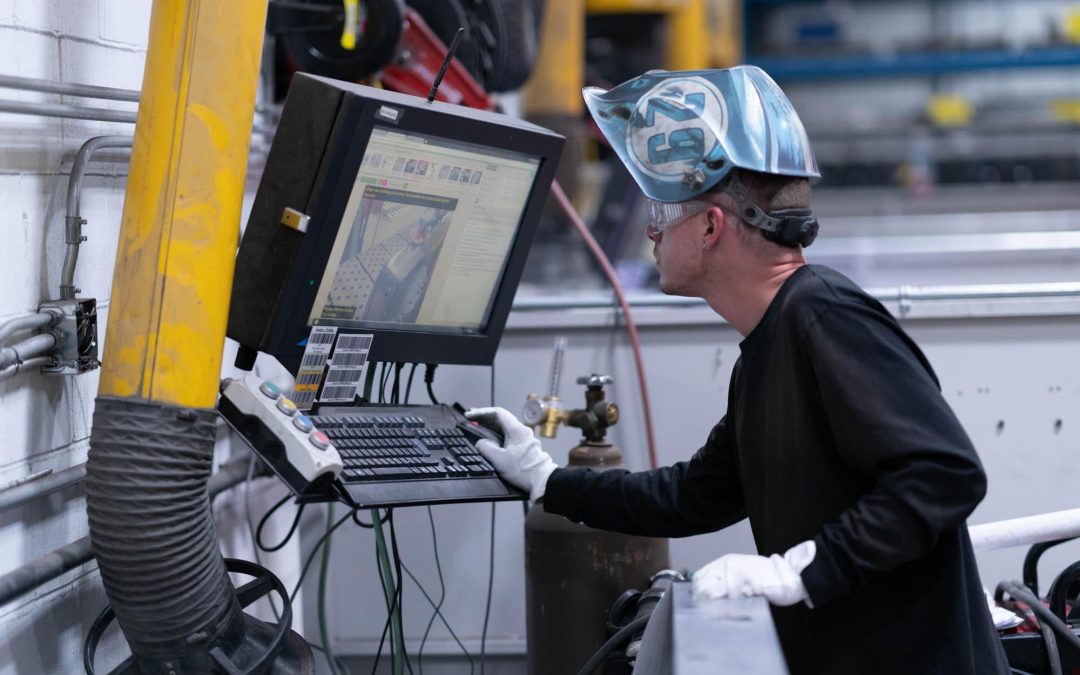
The My Production Plan section gives each worker their own schedule and lets them report completed production operations and the materials they used as the work happens. That means fewer paper travellers, fewer end-of-shift reconciliation sessions and better visibility for the people planning the week. It is a small feature that saves real hours, and hours are a budget line too.
Data Portability Keeps Your Options Open
A budget decision should not trap you. If a platform holds your item records, bills of materials, orders and history in a format you cannot extract, changing systems later becomes expensive and painful. Before choosing any MRP supplier, ask how data is exported, what file formats are available and whether there is a charge for it.
With MRPeasy, your data can be exported, so a future change of platform does not mean rebuilding from a blank sheet. Combined with monthly subscription terms, that lowers the risk of committing. You can also test the software before you commit, since trial access is available, which is a far cheaper way to find out whether a platform suits your production process than discovering it halfway through a multi-year contract.
A Practical Checklist for Comparing Budget MRP Options
- Get the total three-year cost in writing, including implementation, training and support.
- Separate one-off costs from recurring ones so you can see what continues after go-live.
- Ask about price increases, notice periods and minimum terms.
- Confirm data export options and formats.
- Decide whether cloud or on-premises fits your IT capacity.
- Run a trial or a guided demo using your own products and bills of materials.
- Speak to manufacturers of a similar size in a similar sector.
- Budget time internally, not just money, since your team will be involved during setup.
Manufacturers who work through that list usually find that the cheapest monthly quote is not the cheapest project. Predictable pricing, a contract you can leave and data you can take with you matter just as much as the subscription figure.
Frequently Asked Questions
Is MRPeasy suitable for a small UK manufacturer?
MRPeasy is cloud-based manufacturing ERP and MRP software designed for small manufacturers, typically companies with around 10 to 200 employees. It covers production scheduling, inventory, procurement, shop floor reporting and sales in one platform, which suits manufacturers without an internal IT team. A trial is available so you can test it against your own products and bills of materials before committing.
What is the biggest hidden cost in an MRP project?
Implementation usually outweighs the licence fee. Configuration, data migration, training and aligning the software with your production process all take time, and vendors quote for these differently. Ask for implementation, training and support costs in writing alongside the subscription so you can compare total three-year costs rather than monthly fees alone.
Should I choose cloud or on-premises MRP software?
Cloud platforms usually mean lower upfront costs, no server hardware and updates handled by the vendor. On-premises systems often need a larger initial licence payment plus ongoing IT support and upgrade work. Small manufacturers without dedicated IT staff generally find cloud more predictable to budget for, since infrastructure costs do not arrive as separate bills.
Can I leave my MRP vendor if the software stops fitting?
That depends on your contract and your data. Monthly terms with a short notice period keep your options open, while long minimum terms make switching costly. Check that all your records, including items, bills of materials and order history, can be exported, and confirm which formats are supported. Settle both points before you sign anything.
How long does MRP implementation take?
Timelines vary with the size of your operation, the quality of your existing data and how many processes you change at once. A small manufacturer with clean item and bill of materials records can move faster than one migrating from spreadsheets and legacy systems. Ask any vendor for a realistic schedule, and plan for internal time from your own team.
Free for 15 days, extendable to 30 by completing the guided onboarding. No credit card needed.
Click here for your free 15 day MRPeasy trial
Recent Comments